procs utility overview
How to install and use procs — a modern replacement for the ps command.
procs is a command-line utility for displaying information about active processes, designed as a modern replacement for the standard ps command. It supports all ps functionality and adds colorized, human-readable output, process tree view, watch mode with a configurable refresh interval, and additional information not available in ps.
Installation
Download the archive from GitHub:
wget https://github.com/dalance/procs/releases/download/v0.9.6/procs-v0.9.6-x86_64-lnx.zipExtract the archive:
unzip procs-v0.9.6-x86_64-lnx.zipMove the binary to a system directory:
mv procs /usr/local/sbin/Usage
Display the process tree:
procs --tree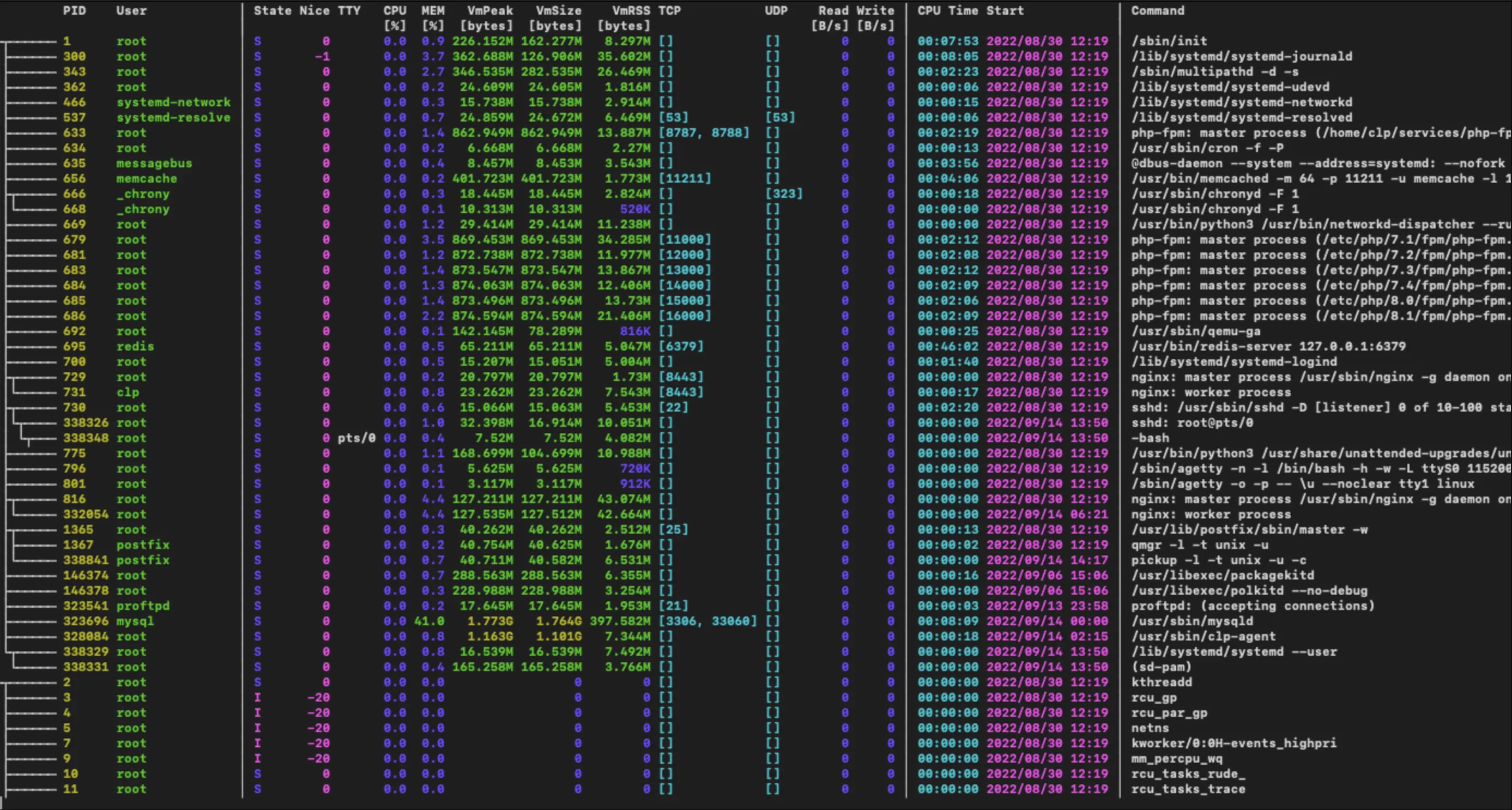 Process tree in procs
Filter processes using OR logic — show everything related to php-fpm:
procs --or php-fpm Filtering processes by php-fpm
Show nginx processes sorted by memory usage:
procs --or nginx Filtering processes by nginx
Run in watch mode with a filter and memory sorting:
procs --or cloud --sortd mem --watchTo display all processes without any filters, run the utility with no arguments:
procsParameters can be set via the command line or through the configuration file at ~/.config/procs/config.toml. Full documentation is available on GitHub.
Help
If you have any questions or need assistance, please contact us through the ticket system — we're always here to help!