Setup Outline App on Ubuntu
Outline VPN App Setup Manual for Ubuntu
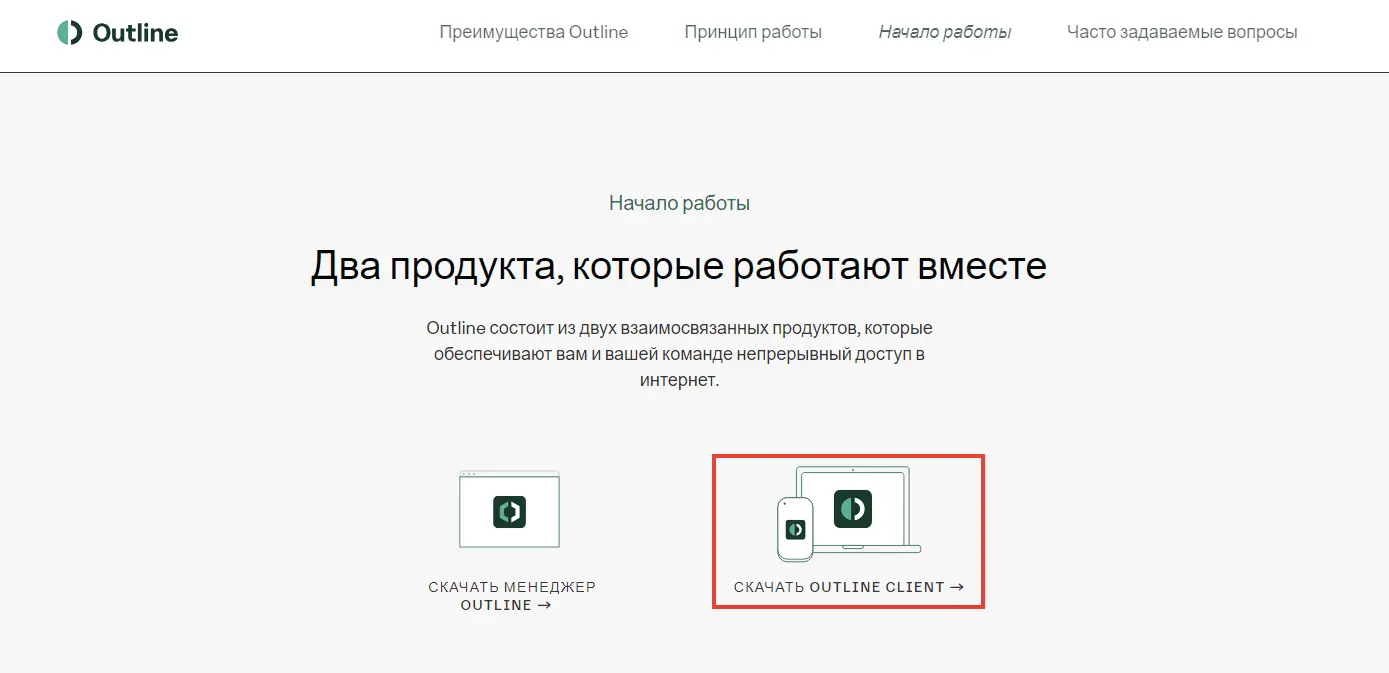
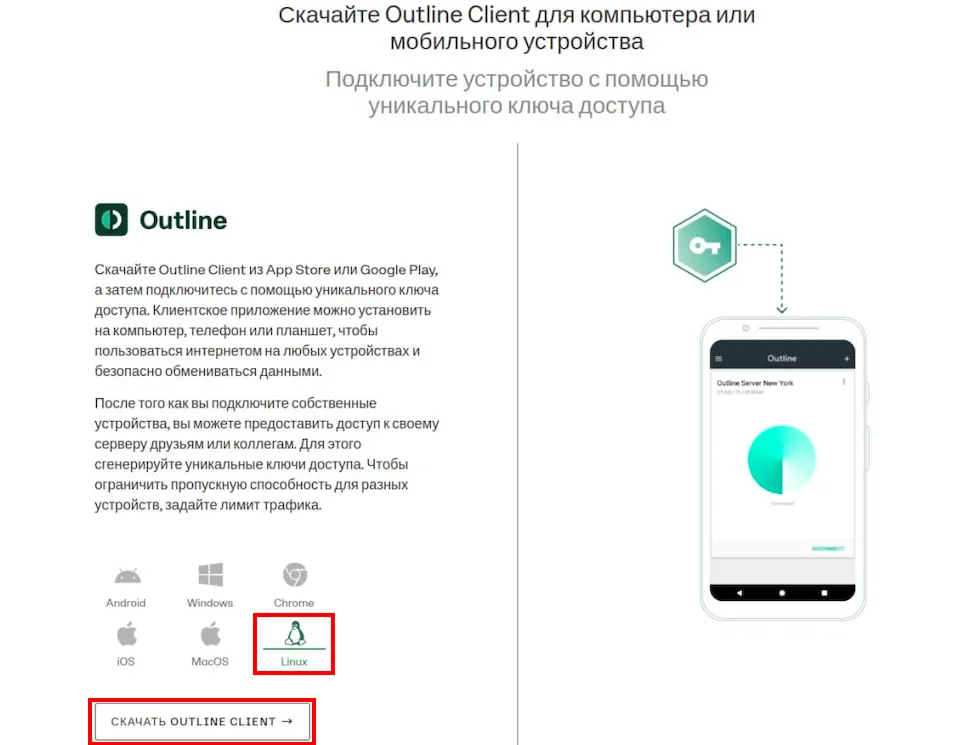
To connect to the VPN service on an Ubuntu computer, download the Outline Client program.
Note
It is the Outline Client that you need to download, not the Outline manager.
Go to Properties of the downloaded file, go to the Permissions tab and check the Allow file to run as a program checkbox.
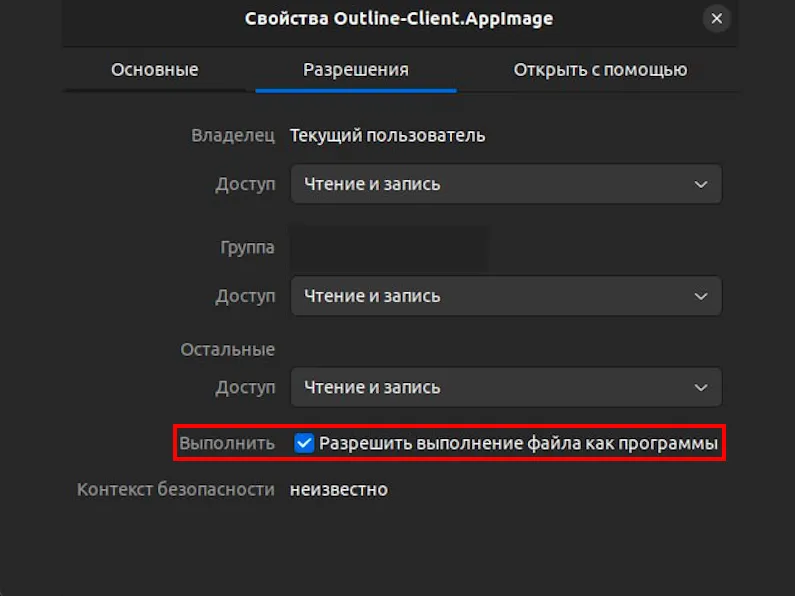
Grant permission to run Outline on your computer by entering the following command at the command prompt:
chmod u+x Outline-Client.AppImage
Go to select in personal account the country of your VPN connection.
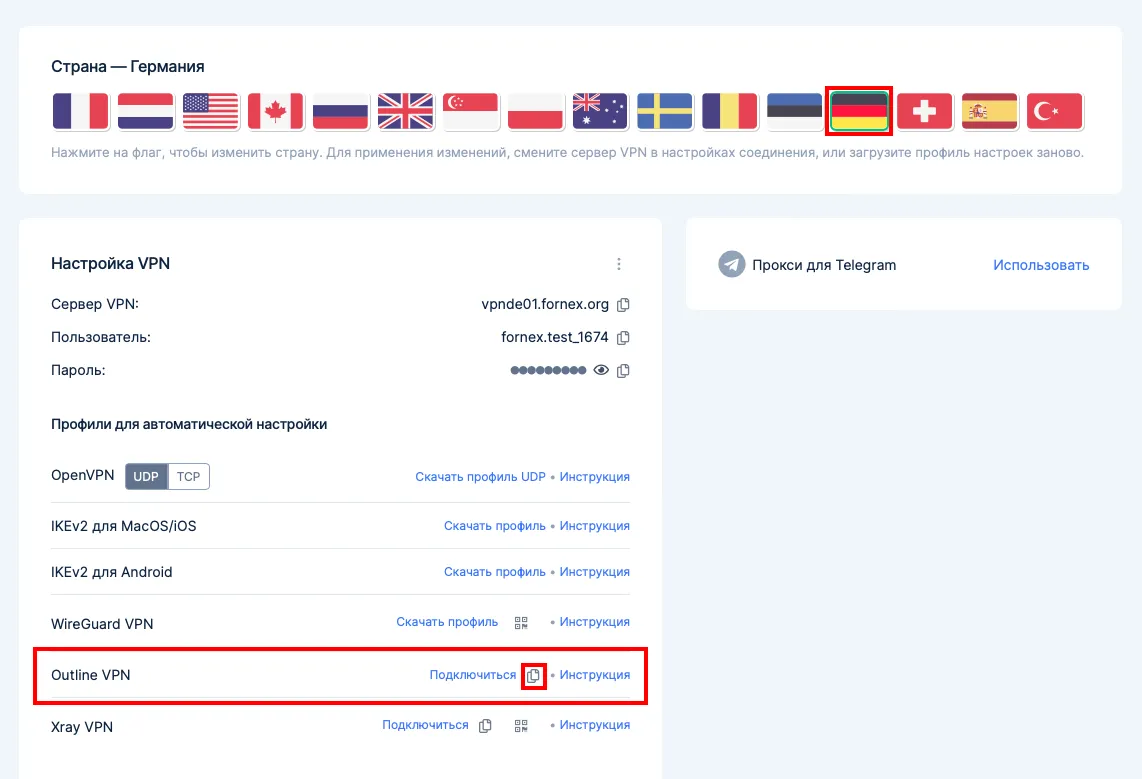
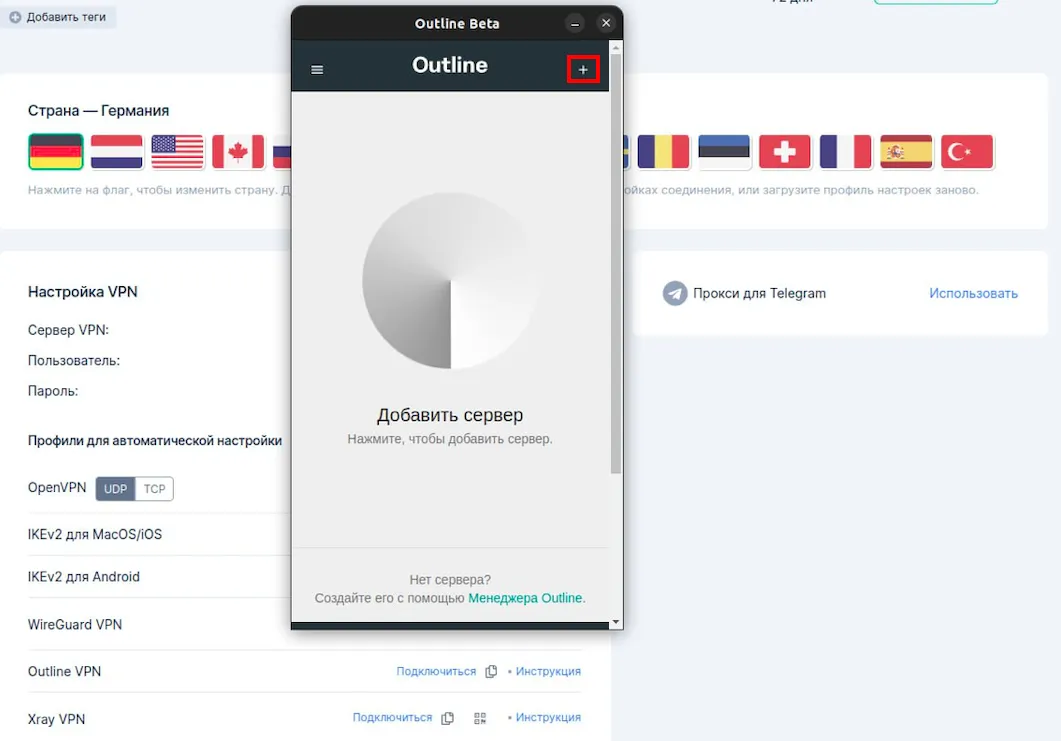
Copy the special link with the configuration file and open the Outline application.
Click Add Server, then the configuration file will be added to Outline.

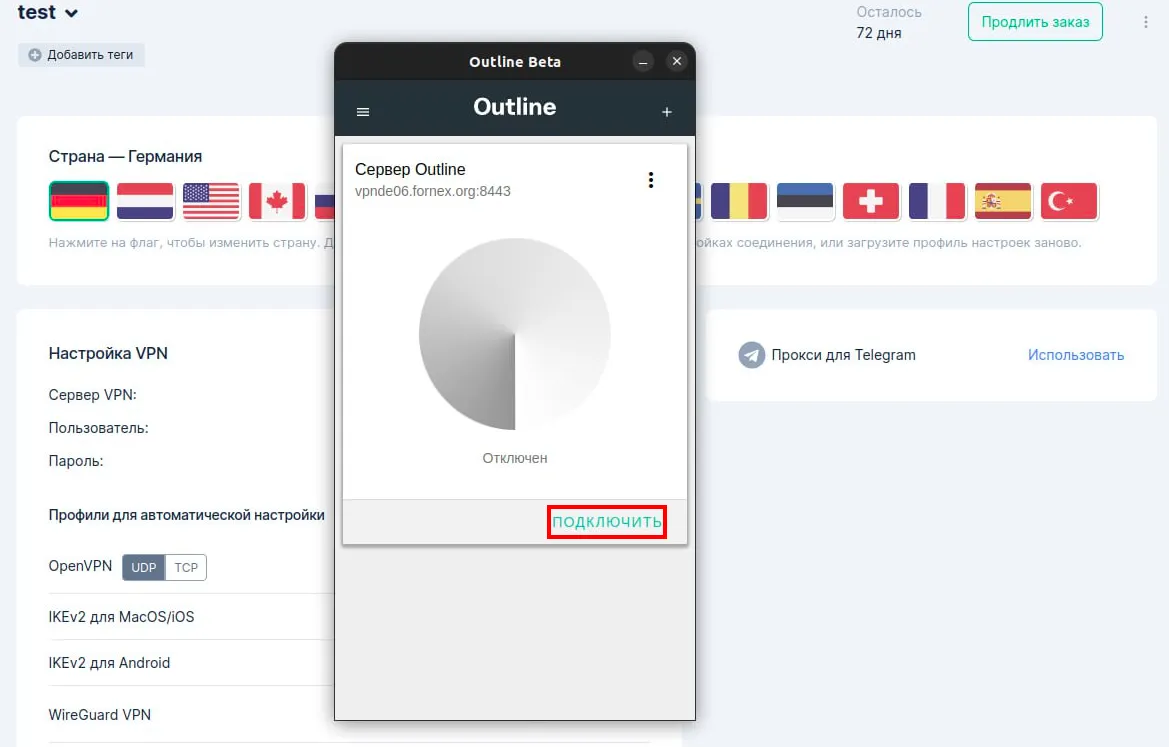
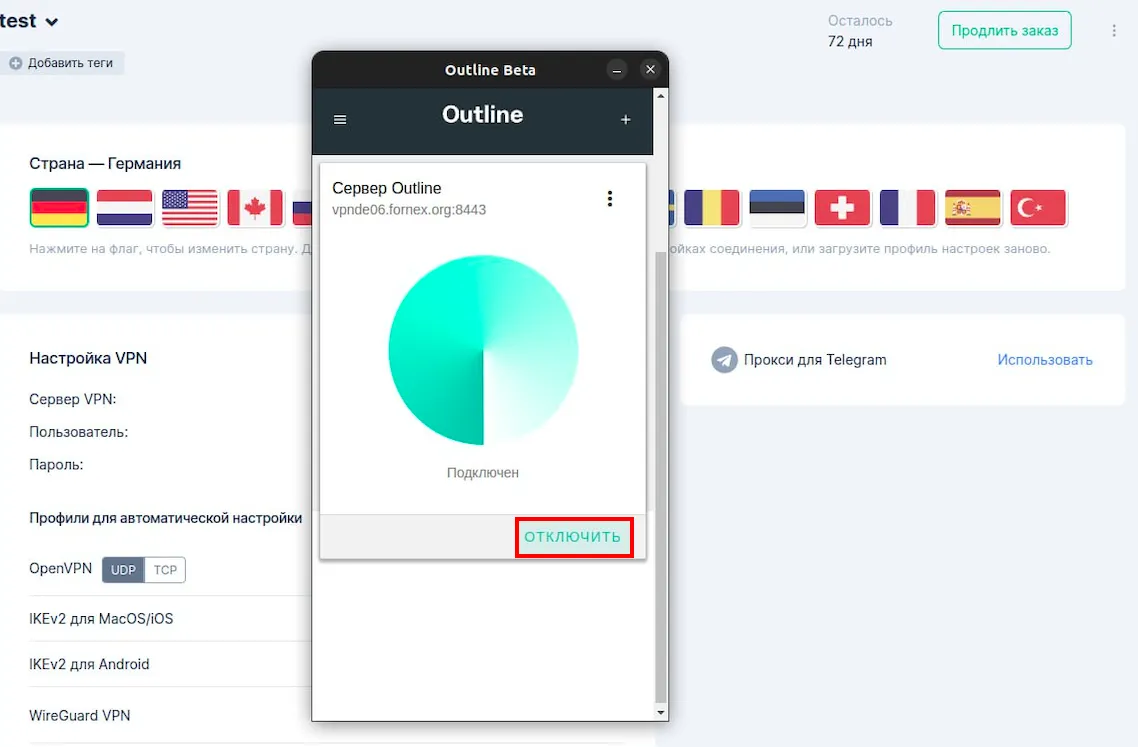
Click the Connect button to connect to the VPN.
This completes the customization.
Warning
When using the Outline protocol, only one active connection is allowed.
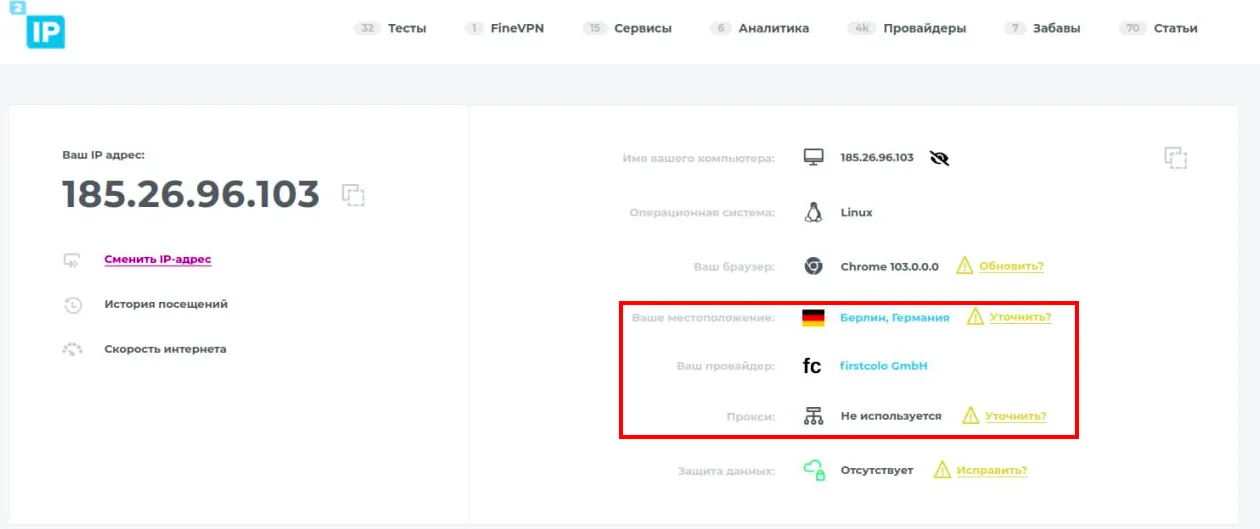
After connecting to the VPN, you can check the IP on the 2IP service.
Help
If you have any questions or need assistance, please contact us through the ticket system — we're always here to help!