Backup on Web Hosting
Step-by-step guide to working with backups on Fornex Web Hosting.
On all Web Hosting plans, we automatically create backups of all your order data every day.
This includes:
- website files
- SSL certificates
- email mailboxes
- MySQL databases
Backup frequency and retention
- Daily backups — 1 copy from the last 24 hours
- Monthly backups — 2 copies (from the 1st and 15th of each month)
Backups are stored on separate secure servers. Old copies are automatically deleted according to the schedule to avoid overloading storage.
Where to find and download a backup
- Log in to your dashboard.
- Go to the Web Hosting section → select the desired order.
- Open the Backups tab.
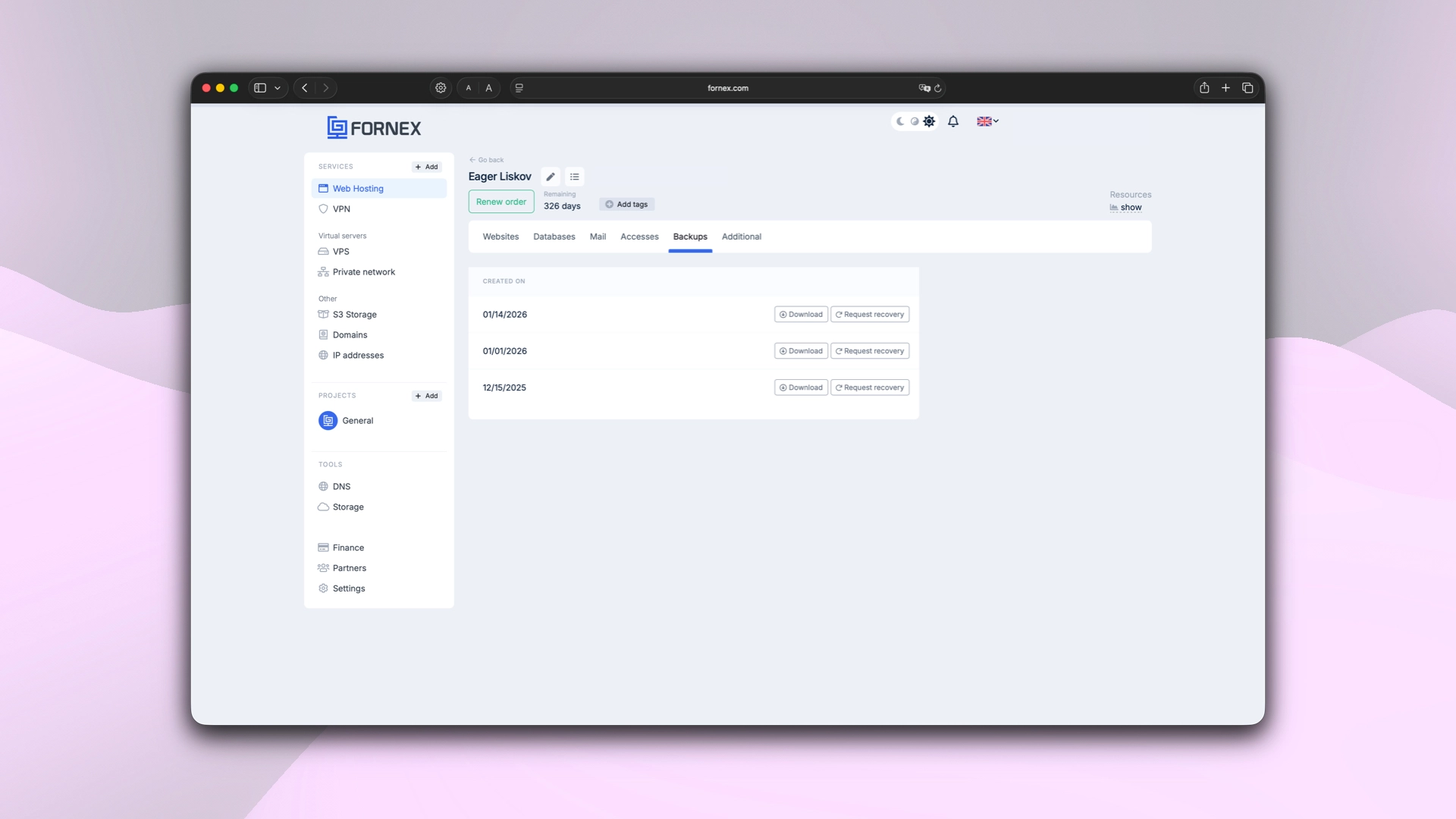 List of available backups in the dashboard
Our products and services
How to request full order restoration
If you need to restore the entire hosting order (websites, mail, databases, settings) — click the Request Restoration button next to the desired backup.
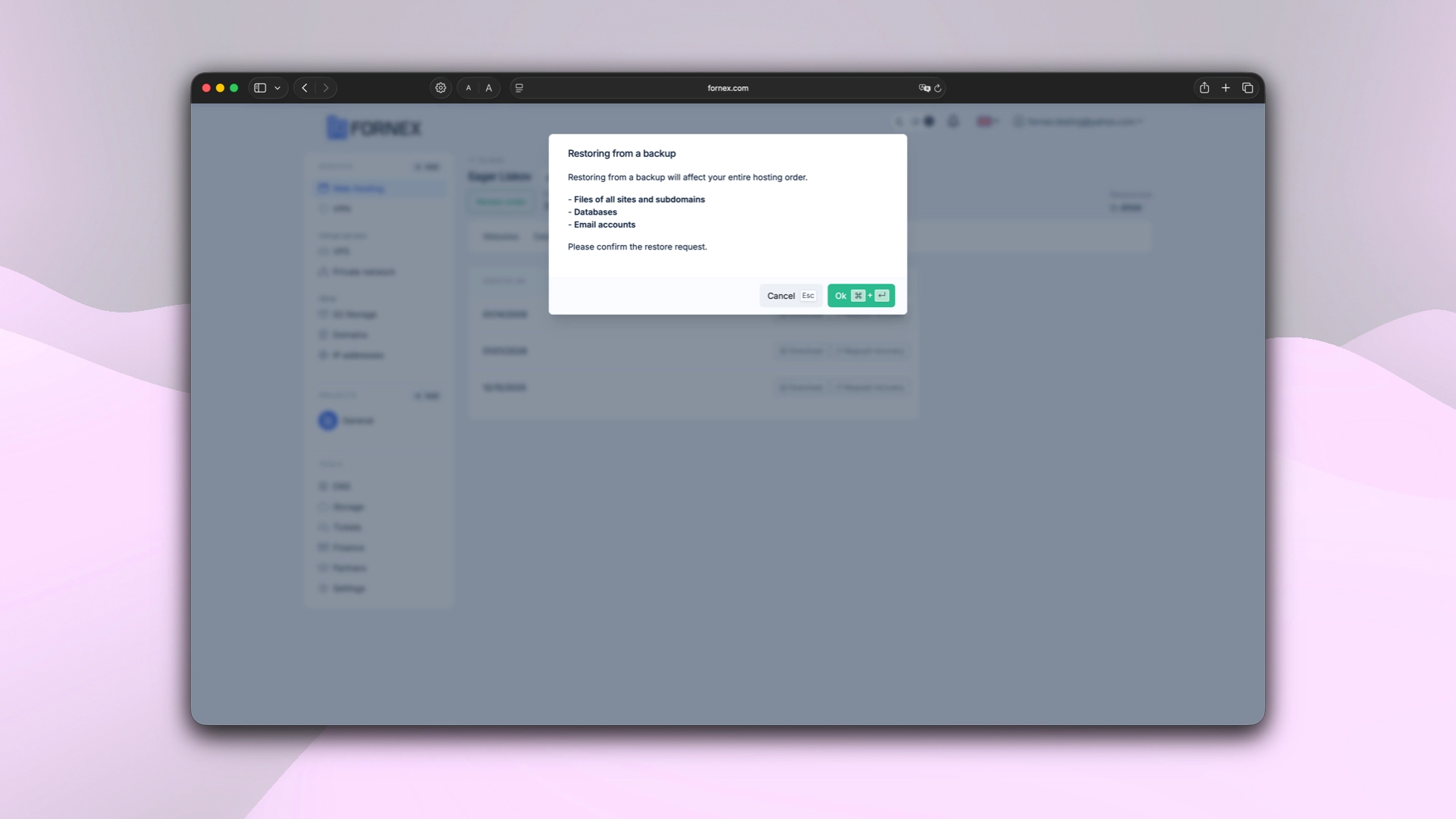 “Request recovery” button
After clicking, a support ticket is automatically created. We will process your request promptly and restore the data to the selected point in time.
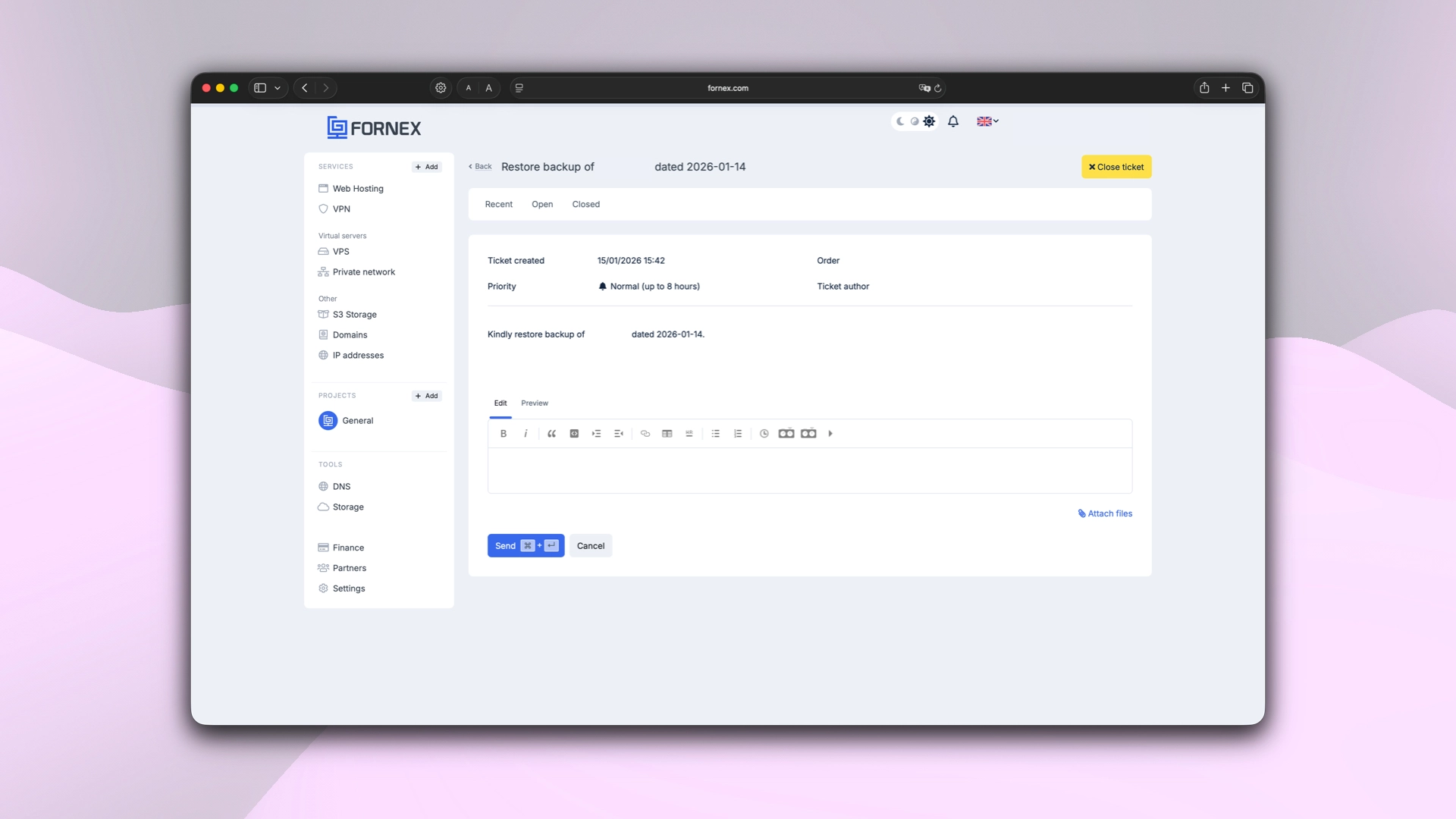 Example support ticket for backup restoration
Important
If your order has been cancelled (deleted) and you want to try to restore it — please create a support ticket.
We will check for available backups and do our best to assist.
Help
If you have any questions or need assistance, please contact us through the ticket system — we're always here to help!